User BASU17 uploaded the image
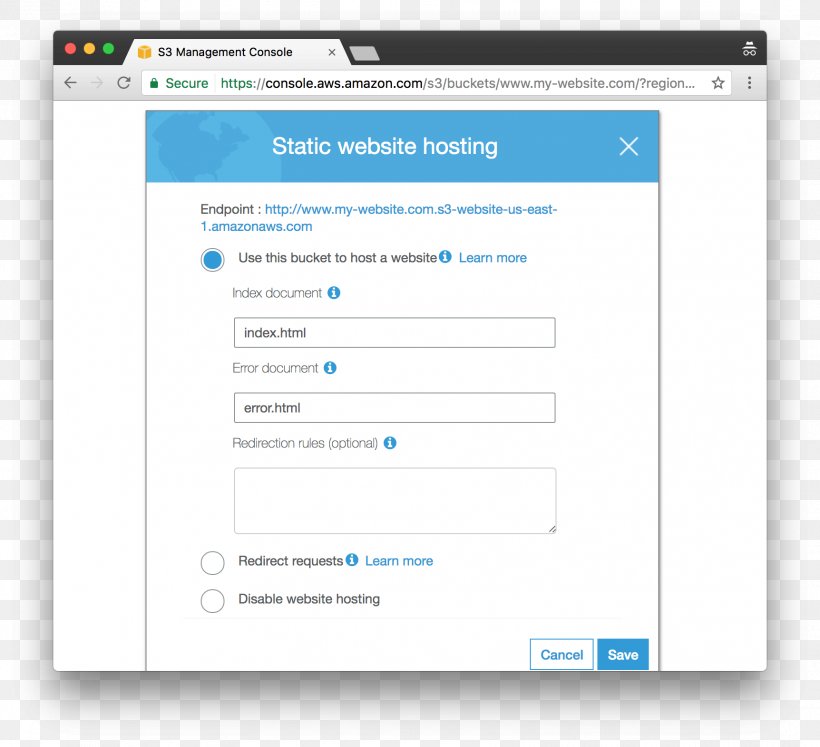
A screenshot of the S3 Management Console, which is used to configure static website hosting. The screenshot shows a pop-up window with a blue header and white background. The title of the window reads "Static website hosting" and below it, there is a text field where the user can enter the URL of the website. There are two fields in the window - "Endpoint" and "Use this bucket to host a website". The first field is for the user to enter an index document, the second field is set to "Error document", and the third field is empty. At the bottom of the pop up, there are two buttons - "Redirect requests", "Learn more", and "Disable website hosting". There is also a "Cancel" button and a "Save" button.
Static Web Page Web Hosting Service Amazon S3 Amazon Web Services PNG
. The resolution of this PNG file is 1724 x 1572 pixels and it has a file size of 227.76 KB.A screenshot of the S3 Management Console, which is used to configure static website hosting. The screenshot shows a pop-up window with a blue header and white background. The title of the window reads "Static website hosting" and below it, there is a text field where the user can enter the URL of the website. There are two fields in the window - "Endpoint" and "Use this bucket to host a website". The first field is for the user to enter an index document, the second field is set to "Error document", and the third field is empty. At the bottom of the pop up, there are two buttons - "Redirect requests", "Learn more", and "Disable website hosting". There is also a "Cancel" button and a "Save" button.
Static Web Page Web Hosting Service Amazon S3 Amazon Web Services PNG
Related PNG Images