User OneTzu uploaded the image
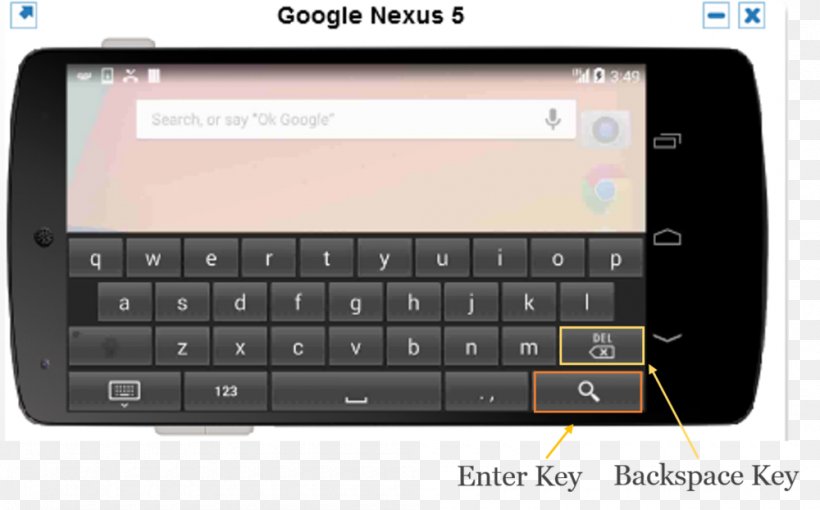
The image shows a Google Nexus 5 smartphone with a keyboard on the screen. The phone is black in color and has a large screen with a white background. On the top of the screen, there is a search bar with the text "Search, or say "OK Google" at the top. Below the search bar, there are two buttons - "Enter Key" and "Backspace Key". On the bottom right corner of the image, there has a yellow arrow pointing to the "Delete" button, indicating that the user can enter the key to access the backspace key on the phone.
Smartphone Feature Phone Computer Keyboard Backspace Handheld Devices PNG
. The resolution of this PNG file is 1000 x 622 pixels and it has a file size of 167.52 KB.The image shows a Google Nexus 5 smartphone with a keyboard on the screen. The phone is black in color and has a large screen with a white background. On the top of the screen, there is a search bar with the text "Search, or say "OK Google" at the top. Below the search bar, there are two buttons - "Enter Key" and "Backspace Key". On the bottom right corner of the image, there has a yellow arrow pointing to the "Delete" button, indicating that the user can enter the key to access the backspace key on the phone.
Smartphone Feature Phone Computer Keyboard Backspace Handheld Devices PNG
Related PNG Images