User LukasMadrid uploaded the image
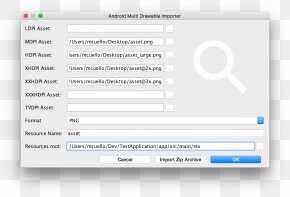
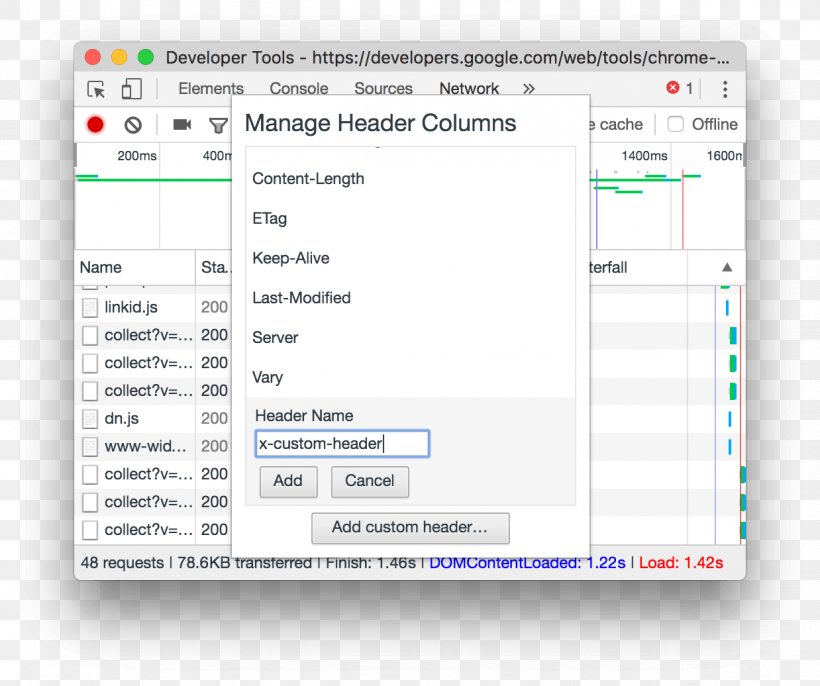
A screenshot of the Developer Tools window on a Mac computer. The window is titled "Manage Header Columns" and it appears to be a tool for managing header columns in a web application. On the left side of the window, there is a list of header names and their corresponding fields. The fields are labeled "Name", "Sta", "Keep-Alive", "Last-Modified", "Server", "Vary", and "Header Name". On the right side, there are two options - "Add custom header" and "Cancel". At the top of the screen, there has a menu bar with various options such as "Elements", "Console", "Sources", "Network", "Cache", "Offline", "Offline", etc. Below the menu bar, the user can select the type of header they want to add to the header column.
Computer Program Web Page Screenshot Operating Systems PNG
. The resolution of this PNG file is 1238 x 1036 pixels and it has a file size of 56.01 KB.A screenshot of the Developer Tools window on a Mac computer. The window is titled "Manage Header Columns" and it appears to be a tool for managing header columns in a web application. On the left side of the window, there is a list of header names and their corresponding fields. The fields are labeled "Name", "Sta", "Keep-Alive", "Last-Modified", "Server", "Vary", and "Header Name". On the right side, there are two options - "Add custom header" and "Cancel". At the top of the screen, there has a menu bar with various options such as "Elements", "Console", "Sources", "Network", "Cache", "Offline", "Offline", etc. Below the menu bar, the user can select the type of header they want to add to the header column.
Computer Program Web Page Screenshot Operating Systems PNG
Related PNG Images